Apps WorldLens: All-in-One Virtual Travel

Learning ∙ Travel & Exploration
4.4
571 ratings 351 reviews
release date
2023
September 13
game modes
• Singleplayer • Multiplayer • Co-op
player modes
• Standing • Sitting • Room-scale
compatibility
• Quest 2/Pro • Quest 3/3S
$8.99
$7.99 ended Sep 22
Store Page

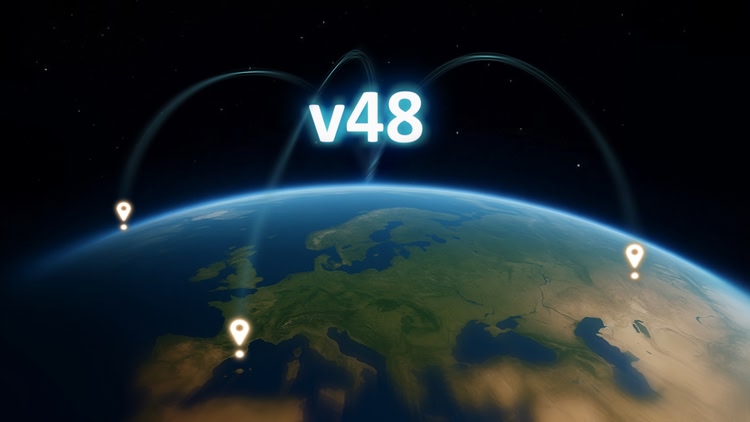
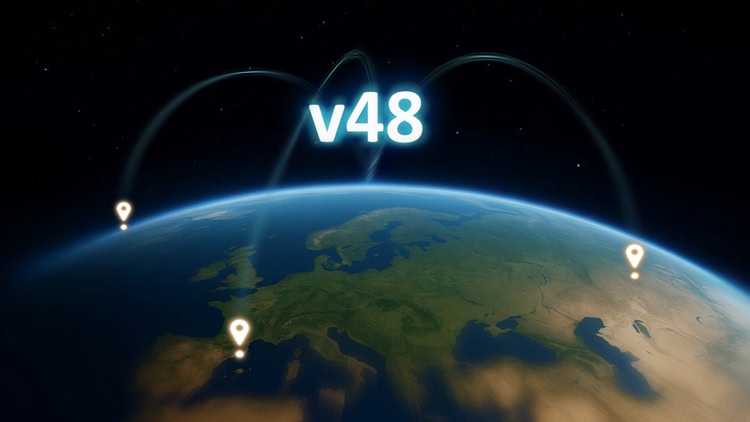
Google Earth 3D, now with the highest quality on the market

  • The ever-growing coverage includes nearly all recognizable cities on Earth in 3D - meaning you may even be able to visit your real life residence!
  • WorldLens offers the best close-up 3D quality on the platform, enhanced by the AI-powered ’Upscale 3D Imagery’ feature

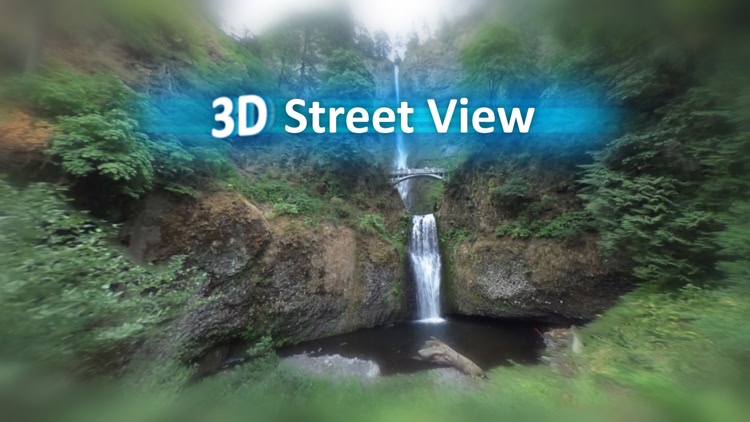
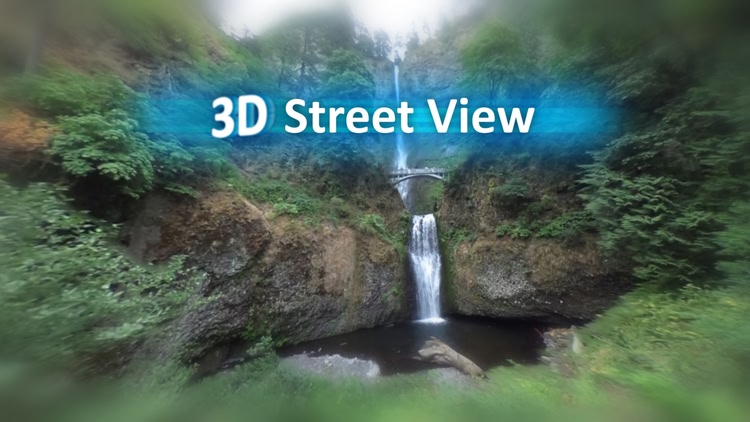
Street View

  • Raw 8k quality with the best rendering fidelity on the platform, offering all Google and Community Imagery on Earth
  • Travel across timelines with the Time Travel feature

Multiplayer

  • Explore with friends!

World AI can

  • Naturally communicate in your own language
  • Visualize / understand your virtual surroundings and location for intelligent responses
  • Be your travel guide
  • Take you on tours
  • .. + Much more

Realistic Graphics

  • True-to-life lighting based on the adjustable day/night cycle
  • Lifelike, adaptive ‘Haze’

3D Quality

  • The level of detail can be freely adjusted, allowing fine details and producing realistic 3D with incredibly smooth performance

Comfort Settings

  • Comfort Options (Snap Turning, Movement Vignette) to prevent motion sickness
  • Input Remapping (Customizable Movement Controls)

Easy Navigation

  • Quick Maps view: auto/manual altitude-based zoom, paired with compass for orientation
  • Integrated full Google Maps experience

Hand Tracking

  • Fly by simply pointing your index finger
  • Rotate by doing a "steering" gesture with your own hands

WorldLens is committed to ensuring the best possible travel experience. Bon voyage! 🌍

Mixed reality
comfort Comfortable
age rating0+ Everyone
storage1.2 GB
websiteworldlens.site
developerBoe
publisherBoe
connectionInternet required
app version4614
languages
English

Price History

Add-ons 1

Reviews 351

Majerik10 hours ago

GOOGLE EARTH 3D!

TRAVEL THE EARTH FROM YOUR LIVING ROOM, IT'S NOW POSSIBLE
Seeing the entire Earth from your headset is breathtaking, with stunning graphics, freedom, and guaranteed curiosity.
TRAVEL THROUGH SPACE AND TIME
WorldLens is a game-changing VR application for exploration enthusiasts.
I was impressed by the visual quality: cities are modeled in highly detailed 3D, and switching to "Street View" with high-resolution images (up to 8K) offers a truly immersive experience.
VISIT YOUR HOMETOWN IN VR
The "Time Travel" mode lets you see places from your childhood as they were!
Multiplayer support allows you to share your discoveries with friends and travel together, making the experience social and fun.
By default, the experience is extremely smooth, so you don't need to change anything unless you want higher quality or faster loading times. The "How to Use" section provides more details on this. A high-speed internet connection is not required for an optimal experience, unlike some other apps.
Here, it's not intense gameplay that's sought after, but wonder, discovery, and visual "wow."
If you're looking for a peaceful escape, free exploration, or simply to revisit your hometown from a fresh perspective, WorldLens truly delivers.

oldmovieguy22 hours ago

Don’t buy, absolute rubbish

Loaded worldlens and all seemed ok until I paid for and loaded world ai. Cannot load Ai until main app is playing, so press resume and world ai disappears so you cannot load it, cannot reload main app so all a complete waste of time and money. Use the Google fly instead. If anyone from the developers wants to contact me please do but I won’t hold my breath

XmenMan99223 hours ago

Glitchy

I keep getting image not loading errors nonstop during street views. The only way to make it stop is to quit the app and then restart it.

Andy1 day ago

I’m loving this app

Since selling my pc Iv missed Google Earth VR this app is that..I love exploring..the menu is a bit fiddly to work outwhen youfirst get started apart from that it’s great 👍

RunningChinchilla83785 days ago
1

World lens

Still learning how to navigate effectively. Define change scrolling to "snap" to avoid nausea. I like being able to not be attached to the PC while exploring.

4 days ago

Hi there 👋

To prevent nausea and motion sickness, you can enable ‘Snap Turning’ and/or ‘Motion Vignette’ from the Main Menu (Hub) Settings!

If you need any further assistance, let me know directly so I can respond as quickly as possible - contact.worldlens.site

Please update your review after getting the most out of your experience!

Enjoy! 🌍

Mark Gonsoulin-Vombaur7 days ago
3

Ignore the goofballs, an amazing app

This is by far the closest thing you are going to find to the PCVR Google Earth app on standalone. I've been using this application since early access days, and it was great then and even better today.

1-6 of 351