Apps The Museum of All Things

Learning ∙ Media
4.8
4 ratings 4 reviews
release date
2025
November 3
game modes
• Singleplayer
player modes
• Standing • Sitting • Room-scale
compatibility
• Quest 2/Pro • Quest 3/3S

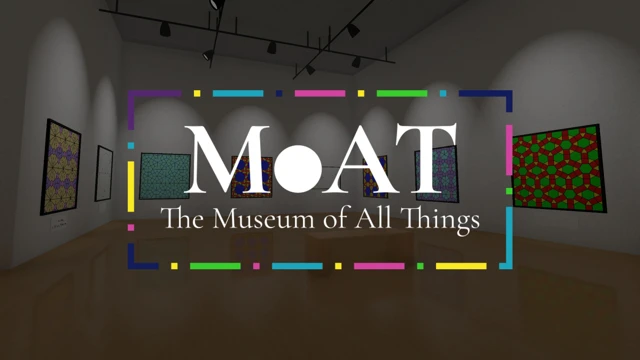
A nearly-infinite virtual museum generated from the Wikipedia!

Every exhibit in the museum corresponds to a Wikipedia article. The walls of the exhibit are covered in images and text from the article, and hallways lead out to other exhibits based on the article's links.

You can find exhibits on millions of topics, from the Architecture of Liverpool to Zoroastrianism.

Search for the topic you want to learn about, or just wander from topic to topic as your curiosity dictates!

You can now visit the Museum of All Things in English, French, German, Spanish, Japanese, Portuguese, and Bengali! Just select your language in the settings menu!

comfort Comfortable
age rating18+ Adults Only
storage0.2 GB
websitemay.as
developerBread Cat Games
publisherBread Cat Games
connectionInternet required
app version1.0.0
languages
English ∙ Bengali ∙ French ∙ German ∙ Japanese ∙ Portuguese ∙ Spanish

Reviews 4

vr.brille.39015027 days ago

Great museum concept

I wish there were more apps like this, aimed at learning. As for the app, I prefer manual movement not teleport, which I found a bit difficult initially until I changed the settings for controls. Most amazing thing is that the project is open source.

Quest228 days ago
deleted

nice... but !!

I discovered this morning this app : really interesting !!
But, for the moment, a big problem : we can get lost in this giant Museum !!! :D
The problem is we can't really choose where we want to go : i get lost in one of the numerous rooms, and wasn't able to get back or go in the "science" part, for example...
A really good idea would be to be able to choose where i want go, with a clickable plan for example..?

And other languages would be really nice.
EDIT this last line : it seems that french is already inplemented ?? I'll look another time, because i didn't find it in the options...

Great work indeed !

27 days ago

Thanks!

The language selector is on the pause menu (right below the "Settings" button), but it's only visible when you are in the lobby. Once you've entered an exhibit, you can't change the language until you return to the lobby again. (There's also a button in the pause menu to return to the lobby.)

BTW, in the back of the lobby there is a computer that let's you search for an article and go directly there. So, if you ever get lost, you can return to the lobby and use the computer!

Spencer Hargiss38 days ago

Brilliant!

It's a 3D browser for Wikipedia that renders it into an infinite museum. Kind of like a cross between Wikipedia and the Backrooms.

Some features which could be fun:

Ui could use some improvement but it's a good start.

I'd love to see some timed challenges... How fast can you find your way from one gallery to another? You could even make this multiplayer. Or even do painting searches where the player has to find an item. There's lots of potential.

Really glad to have this app and grateful to the dev for making it!

DLLogan42 days ago

The Ultimate Wikipedia Rabbit Hole

Very fun to explore, you can literally walk endlessly through connected exhibits!