Apps Spatial Phone : Mirror & Control
UtilitiesUPDATE: You can control your iPhone 📱 in VR using the Spatial Phone app!
Finally figured out a way to control your iPhone in VR on your Meta Quest — something that was previously only possible on Android.
You can mirror and control your iPhone/Android phone directly onto your Meta Quest with high-quality passthrough and low latency. Use it in any app or game.
Note : iPhone needs to be paired with your Meta Quest each time you want to use the control feature. This is a limitation of the current technology and may be resolved in the future.
Features:
🔹 High-Resolution Passthrough
 Enjoy crystal-clear visuals of your Android/iOS device inside your Meta Quest headset with very low latency and stereo audio (40ms-90ms)
🔹 Can be used with other apps/games This app can be used in background with other app/games
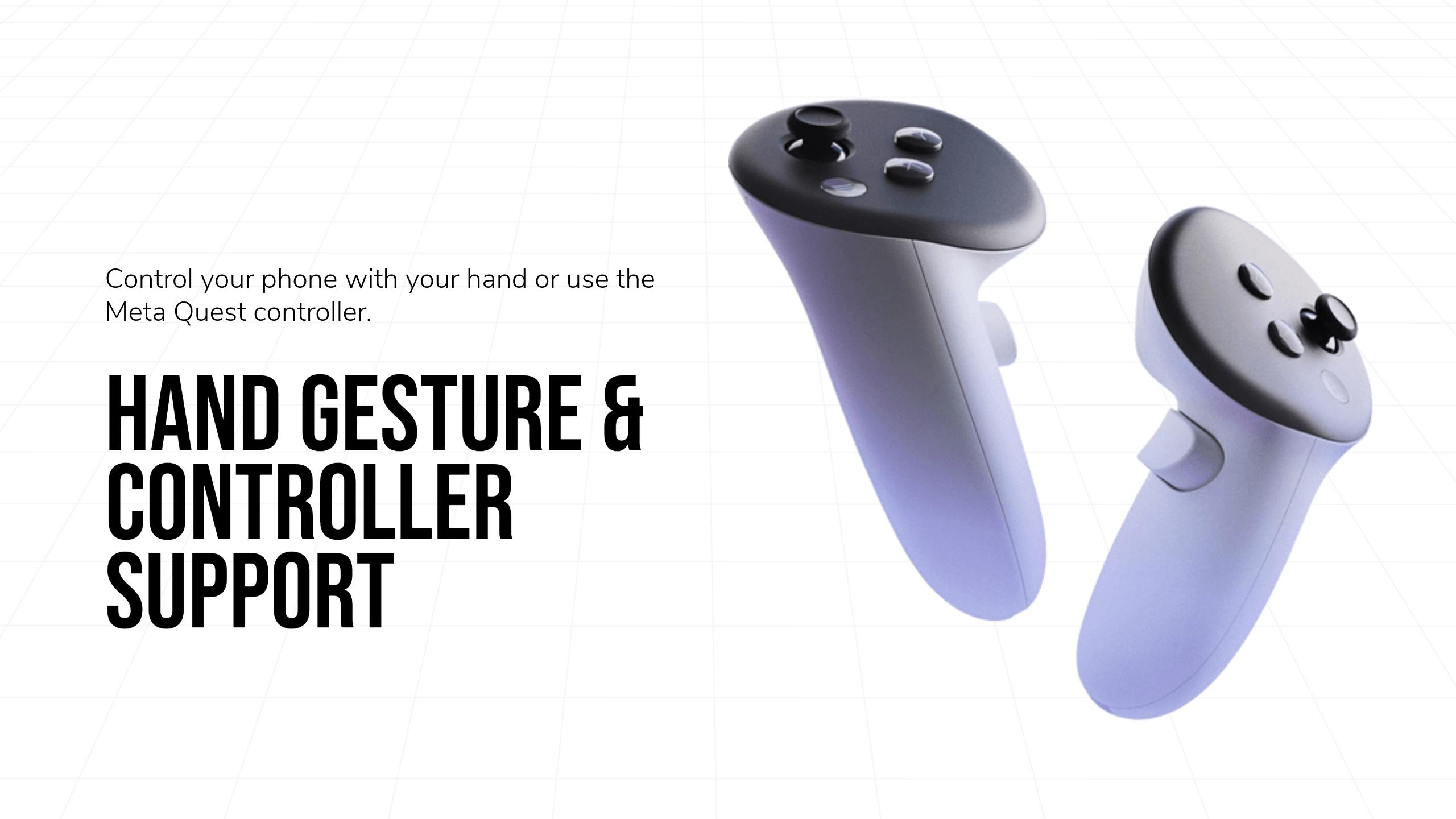
🔹 Control with Meta Quest Controllers
🔹 Easy to connect and private peer-to-peer connection
 Connect on the same network or internet without any custom setting. Your data stays private with end-to-end peer-to-peer connections. No additional data is collected or stored.
For additional help you can reach out on discord : https://discord.gg/99qgmSxUZ9
 Requirements : iPhone or Android 8+ are currently supported.
The companion software is free to download.
| comfort | ⦾ Comfortable |
| age rating | 0+ Everyone |
| storage | 0.1 GB |
| website | spatial-phone-mirror-control-9ab924.webflow.io |
| developer | butterpaneerdev |
| publisher | butter chicken pizza |
| connection | Internet required |
| app version | 28.0.5 |
| input methods | Controllers Hands |
| languages |
English
|
Price History
- base price $11.99 from Jun 10, 2025
-
$8.99
May 18 -May 26 -
$9.99
Jul 6 -Aug 6