Apps Revisit: Time Travel with Google Earth

Creativity ∙ Travel & Exploration
4.4
54 ratings 22 reviews
early access
2025
October 16
game modes
• Singleplayer
player modes
• Standing • Sitting • Room-scale
compatibility
• Quest 2/Pro • Quest 3/3S
-40% coupon
$2.99 $4.99
PUPUBF-3A6442 tapclick to copy
Store Page

Miss New York’s classic yellow cabs in Times Square?
Curious how the Eiffel Tower or Notre-Dame evolved through the decades?

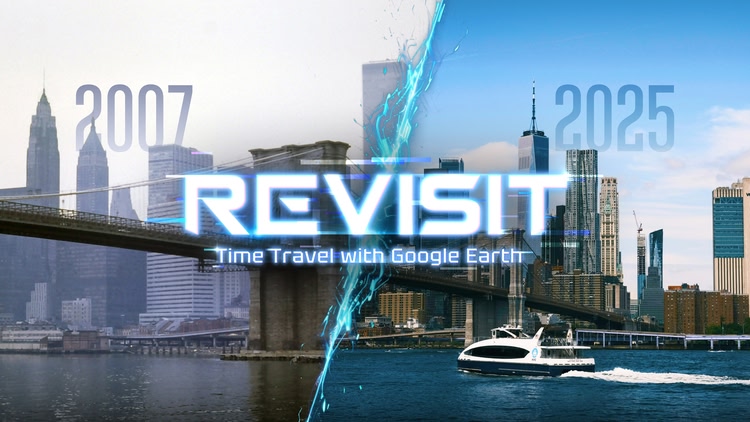
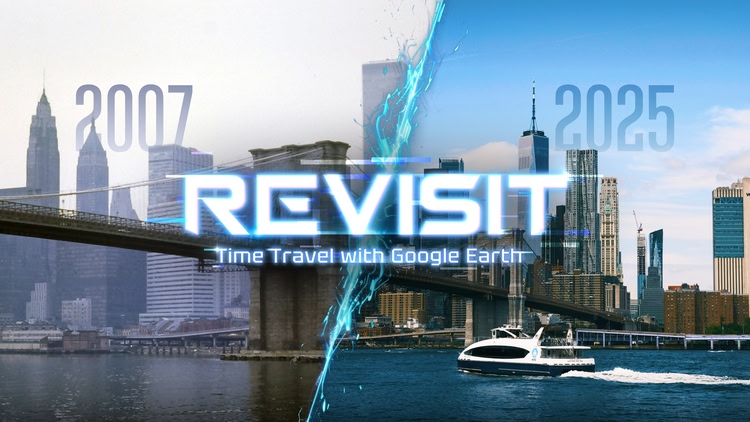
Revisit lets you explore the past and present of any real place—powered by Google Street View. From famous landmarks to your old neighborhood, watch how places change over time in immersive 360°.

🌀 Drag the Time Rift — a split between two timelines — to compare “Then” and “Now.”
Customize the Time Rift’s visual style: glow lines, glitch edges, vintage fades, and more. 🌍 Featured Destinations

  • 🚕 Times Square – From grit to glitz
  • 🟣 Las Vegas Sphere – What came before
  • 🔲 Shibuya Crossing – Before the digital flood
  • 🗼 Eiffel Tower – Decades of change
  • Notre-Dame – From tragedy to rebirth You're not limited to presets — time travel anywhere Street View goes.
    Your own street. A dream trip. A place that no longer exists.

💡 What Makes It Unique

  • 🌀 Time Rift: Swipe to reveal the past — and style it your way
  • 🌐 Real-world locations, not fiction or CGI
  • 🧭 Curated scenes + open exploration

More features coming soon.
Try Revisit VR — and tell us where you want to go next.

Contact us via Discord: https://discord.gg/X5pZxBdcgn

comfort Comfortable
age rating0+ Everyone
storage0.6 GB
websiterevisitvr.com
developerRevisit
publisherRevisit
connectionInternet required
app version0.0.3
languages
English

Price History

Developer posts 2

Reviews 22

Toutma3 days ago

Great Start

Putting Google Earth into the Quest is such a cool idea — otherwise I’d only be able to browse it on the web.

1 day ago

Thank you❤️

Eleftheria38 days ago
1

Doesn't work on...

Doesn't work on metaquest pro

6 days ago

Hi, could you be more detailed about how it doesn't work?

Working on the new feature now, will check it asap!

For possible loading errors, are both the blue lines and dots not working? Cuz Dots(user content) tend to be unstable. Please try zooming in and click on the line instead.

If it doesn't work, may I ask where you're located?

That’s really strange. Version 0.0.3 just fixed this issue, so it shouldn’t be happening anymore. Can you confirm which version this problem started with?
We’ll look into whether there’s any network problem specifically affecting the Scotland region.

Hey, if you can join our Discord and share the logs, that'd be super helpful! https://discord.gg/X5pZxBdcgn

Thanks for your report and support!!!

Projectosaurus9 days ago

Poor performance, missing features.

Missing a lot of features.
Can't move around,
always have to use the map.
Images don't line up.
Randomly face new direction
Map doesn't work properly.
Slow load speed
Poor image quality (no enhancement like other apps)

There are other apps that are much better,.

Don't expect any meaningful support or features to be implemented in a timely manner once they have your $.

9 days ago

Thank you for your feedback and suggestions! REVISIT is still in Early Access and has only been out for about a month, so many features are still in development. The move around feature you mentioned is actually planned for the next major update (and it’s already listed on the Help page inside the app).

As for line up issues, that’s caused by Google Street View images not being aligned on their end — unfortunately, that’s something we can’t fix ourselves.

Lastly, we want to point out that REVISIT has been live for only one month and has already received 4 updates (update logs are visible in the Meta Store). We’ve fixed over 10 user-reported bugs during this time. So the last part of your comment simply does not reflect the facts.

SimaoAndTania10 days ago
3

All works fantastic!

5 stars, all the problems I had are fixed

9 days ago

❤️ 0.0.4(Street View Navigation) is coming soon this week! Stay tuned!

IanBoothby12 days ago

Not ready yet

I tried a couple of locations and most were not available. The ones that were often had big glitches like the same side of the street being on both sides or the past and present images not overlapping at all. I'd like a refund if possible, this shouldn't have been put out until it was ready.

10 days ago

Hi! Are both the blue lines and dots not working? Cuz Dots(user content) tend to be unstable. Please try zooming in and click on the line instead.

If it doesn't work, may I ask where you’re located?
In theory, version 0.0.3 should have already fixed the network issue.
Can you confirm which version this problem started with?

Also, all of our Street View images come directly from Google, so if the old and new views don’t line up perfectly, that’s because the original Google imagery itself isn’t aligned — it’s not something we can control.

Hey, if you can join our Discord and share the logs, that'd be super helpful! https://discord.gg/X5pZxBdcgn

Erwin Bear12 days ago
8

Magnificent

Very good idea and very well implemented. Search for a location on the map or enter an address, and you can set the current photo back years with a single swipe, if Google took pictures back then. I had network problems with the app, but the developer took me by the hand and solved it. Thank you very much for that, I am thrilled.

11 days ago

Thank you — and we also really appreciate your detailed feedback. It helped us finally track down and fix the network issue!❤️

1-6 of 22