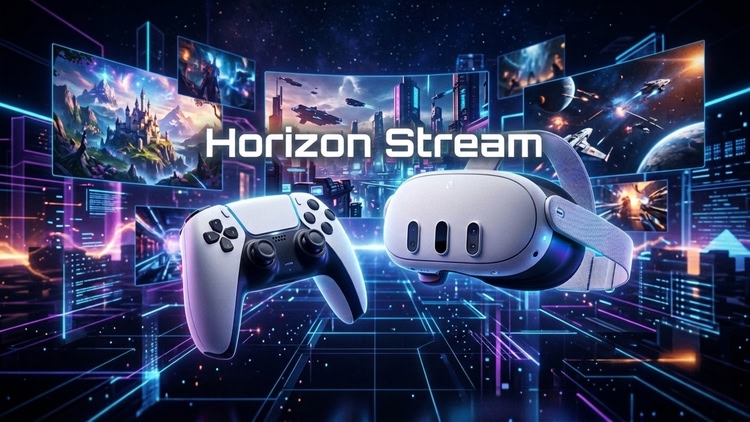
Apps Horizon Stream for Playstation
Utilities
Turn your Meta Quest into a PlayStation display. Horizon Stream is an open-source Remote Play client for Quest 3, Quest 3S.
Play PS4 and PS5 games in flat view or immersive spatial mode on a large head-tracked screen with animated surroundings.
Key Features
- 1080p/60fps: Low-latency Remote Play, depending on your console, network, and headset.
- Guided setup: Discover your console, allow camera access, sign in to PlayStation Network in Chrome with the Horizon Stream extension, then scan the one-time QR code in Quest.
- Saved PSN account: Horizon Stream saves your Account ID so repeat setup skips the QR step and goes straight to PS5 Link Device pairing.
- Camera pairing: Scan the eight-digit PS5 Link Device code through the Quest passthrough camera.
- Quest Touch controls: Virtual PlayStation mapping for buttons, sticks, triggers, grips, D-pad, and Quest Menu.
- Bluetooth controllers: Pair a DualSense, DualShock 4, or compatible gamepad with Quest.
- Optional AI depth: Add simulated 3D depth; it may use more battery or show artifacts.
- Open source: Ad-free, AGPLv3, and built on Chiaki/chiaki-ng.
Horizon Stream is a third-party client, not affiliated with, endorsed by, or associated with Sony Interactive Entertainment. "PlayStation," "PS5," and "PS4" are registered trademarks of Sony Interactive Entertainment Inc.
| Mixed reality | |
| comfort | ⦾ Comfortable |
| age rating | 0+ Everyone |
| storage | 0.1 GB |
| website | github.com |
| developer | CMSoftware |
| publisher | CMSoft |
| connection | Internet required |
| app version | 1.1.10 |
| languages |
English
|
Price History
$ price tracking started in June 2024.
- base price $3.99 from Aug 6
- - no discounts