Digitalize Reality For The First Time Ever!
Digitalizer provides an UNSEEN useful and fun experience at the same time. Use cases range from using the scanned object as a reference to create true to scale higher quality models, 3D printing, animating, or using it to measure - All the way to just having all new fun !
| Mixed reality | |
| comfort | ⦾ Not rated |
| age rating | 0+ Everyone |
| storage | 0.2 GB |
| website | drive.google.com |
| developer | Boectrum |
| publisher | Boectrum |
| connection | Internet not required |
| app version | 73 |
| languages |
English
|
What a waist of $$ can’t scan anything …
Great app
Yes, it works. You can scan your hand or room or whatever and get an .obj file--as long as the app doesn't hang or crash from scanning too much. Which actually happens quite often, possibly because the app is generating the voxels as you scan. The output can barely load on Windows' 3D Viewer, and Blender imports a single mesh of unculled triangulated cubes and over 900 materials.
Besides this problematic lack of optimization, the controls are annoying once the novelty wears off. If you want to scan something, you have to "scan" it with the handheld "scanner," even though your headset gets depth data from its front sensors. This is reasonable design for small objects or room scanning (using "infinite range" mode, I don't know how I triggered it), but unreasonable for my use case where I need the entire depth data from the headset's immediate position.
I don't know, make a "photo" mode where the app just digitalizes the headset view and exports it. That would make things so much easier for me.
It doesn't work, the saved file becomes an empty file, without geometry.
The idea is great, but right now the app doesn't seem stable. Most of the time, it hangs (the video feed freezes) when scanning for a bit longer. I'm a bit disappointed that there appears to be a limit on how many voxels you can use. In the app itself, it looks like the oldest voxel cubes are removed and replaced with the newest ones. When you click Export, the app doesn't show any notification or progress - it just seems stuck, and it's unclear whether it's working or not. Ability to export to an actual 3D mesh instead of voxels would be superb!
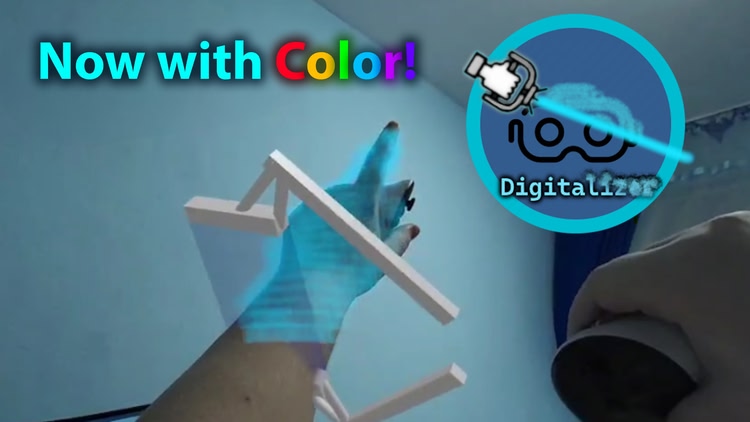
This app is truly astounding! It allows you to scan an object or voxel your environment in full color. It is really fun use of the technology of the Quest device.
It is not perfect (the scan originates from the headset, not the controller, but you move the controller around to scan, which can be confusing at first, and you actually have to look at the side you are scanning - not what the controller is pointing at)
I wish it could handle more points before old points start getting erased, and to switch into a VR mode to see what has been captured.
Please note, for a while this app did not work due to changes in the Quest API and that is likely where the 1 star ratings come from, this is now a 5 star app and fully functional!