Apps Contour
Creativity ∙ ProductivityFor the best experience, purchase and use Contour from the headset main account profile. Secondary profiles may not be able to import image files.
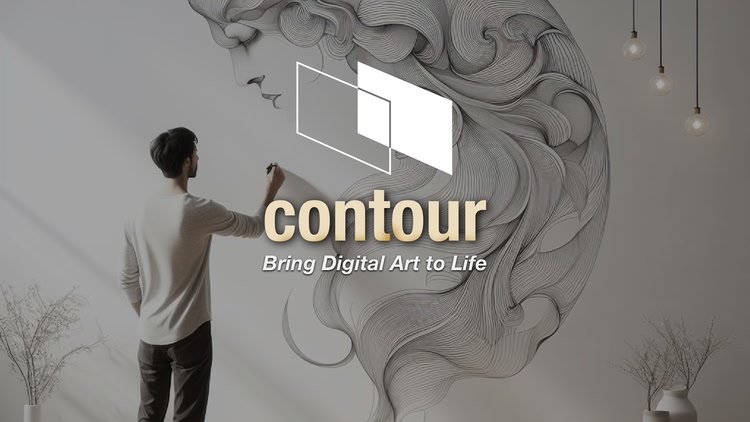
Contour helps you bring digital art to life !
Turn any wall, canvas, or surface into your creative workspace : position, scale and trace your digital artwork in the real world — no projector needed. Whether you’re painting a mural, sketching a sign, or just experimenting with a fun DIY project, Contour makes it fast and effortless.
- Lightweight – skip the bulky projectors and work with just your headset.
- Scalable – project high resolution PNG or JPG images up to 50 feet diagonally with ultra-sharp clarity.
- Flexible – freely move, rotate, and scale images in space for precise placement.
- Pick up where you left off – save artwork positions across sessions and update your files without losing alignment.
- Made for creatives — Contour works fully offline, no sign-up or subscriptions required.
Contour was the first-ever mixed reality app for image tracing and has been trusted by tens of thousands of artists and hobbyists since its 2021 release. Built for Meta Quest, it delivers super sharp image rendering giving you the clarity you need to focus on your art.
How to
- Transfer PNG or JPG images (up to 8K) via browser download, USB-C transfer, or auto-import.
- Import, position and scale your design in mixed reality.
- Draw your artwork, and save your picture placement for future use
To learn more 👉 https://visible-space.com/contour
| Mixed reality | |
| comfort | ⦾ Comfortable |
| age rating | 0+ Everyone |
| storage | 0.2 GB |
| website | visible-space.com |
| developer | Dehats Studio |
| publisher | Visible Space |
| connection | Internet not required |
| app version | 8.1 |
| languages |
English
|
Price History
- base price $9.99 from Jun 1, 2024
-
$4.99
Dec 15, 2025 -Jan 5